

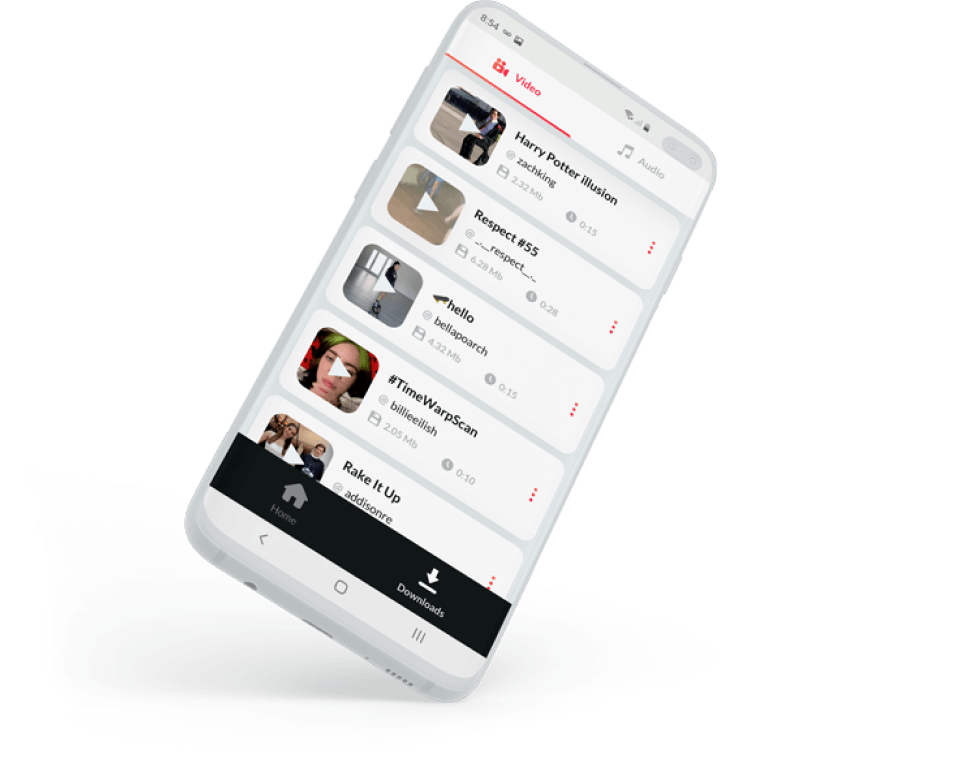


Tik Tok video downloader without watermark APK
Save your favorite TikTok videos directly to your Android phone gallery for free and watch them whenever you want and without internet.

More than 3000 reviews onGoogle Play
Download TikTok videos without watermark for Android
sssTikTok for Android helps you download your favorite videos in simple steps:
-
1
Install the App fromGoogle PlayStore. Please allow permission for the app to access your Gallery and save your videos there. -
2
Open TikTok App and find a video which you want to download. -
3
Tap “Share” button and then choose “Copy link” -
4
Open sssTikTok Downloader App and paste the link on the main screen -
5
Press «Download» and then choose one of the available formats: MP4 or MP3
When downloading is finished, you can find your videos in Android Gallery or directly in sssTikTok Downloader.
Application features
sss TikTok is the best and fastest tool to save TikTok videos and music on Android.

Save TikTok videos as MP4 files directly to your Android

Download audio track from the video as MP3 file.

Easy download with just 2 clicks

Built-in video and audio player.
You can enjoy your files inside our app.

User-friendly organizer to find and manage your files.

Share downloaded video and audio with your friends. Just choose a file and send it with e-mail or messenger.
 Download fromGoogle Play
100% free application
With SSS TikTok video downloader without watermark apk you can easily download any video or audio (non-copyright) from TikTok.
TikTok Downloader apk is totally free and there is no need to pay money: simply install the app on your smartphone, choose the media content to download, and save it to your device.

There is no limit for the number of downloaded files. All your videos will beaccessed directly in the "Downloads" tab or in Android Gallery.
Sometimes you will see ads in our app. Please treat this fact with understanding. Ads are the only way of our funding and we have to keep our servers stable.
Download fromGoogle Play
How to install and use the application?

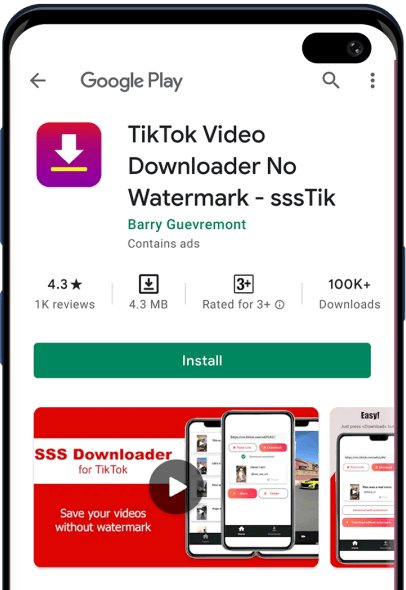
Find sss video downloader for TikTok without watermark apk inGoogle PlayStore or press «Install» button on this page.

When the TikTok remove watermark apk is installed, please make sure you allow access to your media gallery. All your files will be saved there.

Done! Now you can download TikTok videos without watermark with the share function in the app interface.

Please note that sssTikTok downloader app is totally safe. It passed Google moderation, so you can install it on your mobile device.
Download fromGoogle Play
Frequently asked questions about the application
1. How to download TikTok videos on Android?
Just find sss TikTok video downloader without watermark apk App inGoogle PlayStore or click the "Install" button on this page. When TikTok Video Downloader App is installed, just paste the link to your favorite video and press “Download”.
2. How to download music from TikTok?
We support downloading MP3. Just paste the link to a video and then choose "Download MP3". We also support downloading from TikTok music pages. It works the same way as video downloading.
3. How to download TikTok videos without App?
Open your browser, then visit www.ssstik.io and paste the link. Our website has the same awesome features for downloading as our app.
4. Best TikTok downloader for Android
sssTikTok app is specifically designed to save TikTok video on your android phone. Just install it and save any video to your device in just two clicks.
5. Do you support downloading HD TikTok videos?
If the original video is in HD, it will be saved in the same format. We do not change the quality of downloaded videos.
6. Can I download private videos?
No. We do not support downloading private TikTok videos. Some videos can't be watched from certain countries. There might be problems with such videosalso.
7. Where are the videos saved?
Open your Android Gallery. You should see sssTikTok folder. All your videos are stored there. You can also see "Downloads" screen when viewing our app.
8. Do you store the downloaded videos on your servers?
No. sss TikTok download app just helps users to download their favorite media directly from the TikTok website. We do not store or keep any content.